Sales & CRM
CRM and revenue sources that feed pipeline and activity dashboards.
Finance
Accounting, billing, and payments sources for finance reporting.
Marketing
Advertising, email, and demand-generation tools for marketing analytics.
Customer Support
Support, service, and contact-center sources for queue and SLA metrics.
Ecommerce
Storefront and lifecycle tools for ecommerce reporting.
Operations
Product, delivery, and engineering ops sources for throughput dashboards and reports.
HR
People, identity, and productivity sources for workforce reporting.
Others
Complementary sources and destinations that support your stack but sit outside the core business-function groupings.
How InsightZA works
You connect sources, define pipelines, and confirm mappings—InsightZA loads the warehouse on your schedule and publishes ready-made dashboards and reports when data supports each metric.
Add a supported source and choose which tables and fields to include.
Chosen data is written to the warehouse on your schedule, so teams query one central store instead of juggling exports from each system.
Confirm how each source field maps into the shared standard data model.
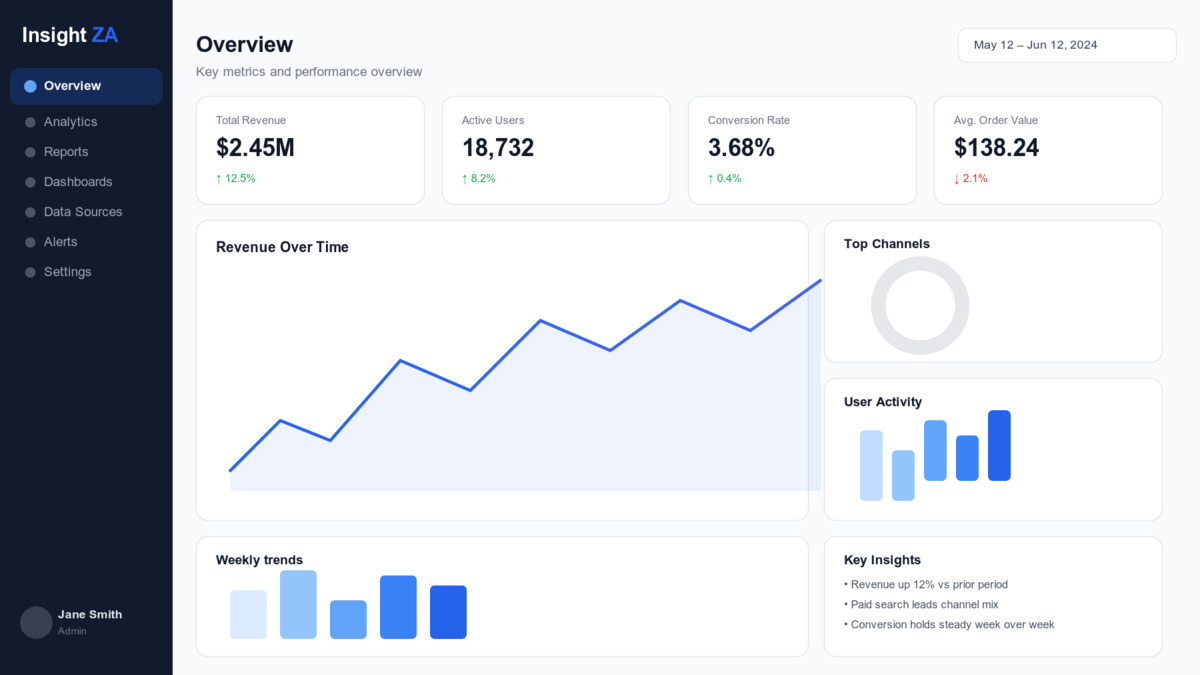
Open ready-made dashboards when stored, mapped data supports the dashboards and reports you need.
Business functions
Track pipeline, win rates, and rep activity from one shared CRM dashboard and reporting.
ExploreMonitor revenue, cash, and operational KPIs that finance leaders review each week.
ExploreCompare campaign and channel performance without rebuilding manual spreadsheet blends each week.
ExploreWatch ticket volume, resolution time, and backlog trends across your support queues.
ExploreFollow orders, conversion, and merchandising signals from storefront and catalog dashboards and reports.
ExploreMeasure throughput, inventory, and SLA-style operations metrics from one shared operations dashboard.
ExploreTrack headcount, hiring, and people metrics for leaders during scheduled HR review cycles.
ExploreFAQ
Short answers about supported sources, availability, and how sync works.
Each source listed in the catalog is supported for connection today and shows an Available badge. Search or browse by business function—we do not publish connector totals. Examples in the catalog—Sales & CRM: Salesforce, HubSpot, Pipedrive, Freshsales; Finance: QuickBooks, Zoho Books, Xero, Stripe; Marketing: Google Ads, LinkedIn Ads, Facebook Marketing, Mailchimp; Customer Support: Zendesk Support, ServiceNow, Intercom, Freshdesk; Ecommerce: Shopify, WooCommerce, BigCommerce, Cart.com; Operations: Jira, Confluence, GitHub, GitLab; HR: Slack, Airtable, Coda, Todoist; Others: BigQuery, Postgres, MySQL, Amazon S3. Each source shows Available or Planned on the integrations page; we do not publish connector totals.
You authenticate from the catalog, choose tables and fields, set sync schedules and timezones, and monitor pipelines. Multiple connections of the same source type are supported when you need separate workspaces.
Yes. InsightZA supports multiple connections of the same source type when you need separate workspaces, brands, or regions—each with its own pipeline and schedule.
No. Pipelines run on schedules and timezones you configure per connection. You monitor runs and refresh schema—not a real-time analytics engine.
Use Request a Connector or book a demo. We assess fit with the standard data model and ready-made dashboards—we do not publish standalone per-vendor connector pages.